Reviewer guide
AI Source Collector Reviewer Guide
Instructions for Chrome Web Store reviewers testing the extension.
Review checklist
Reviewer screenshots
AI Source Collector test flow
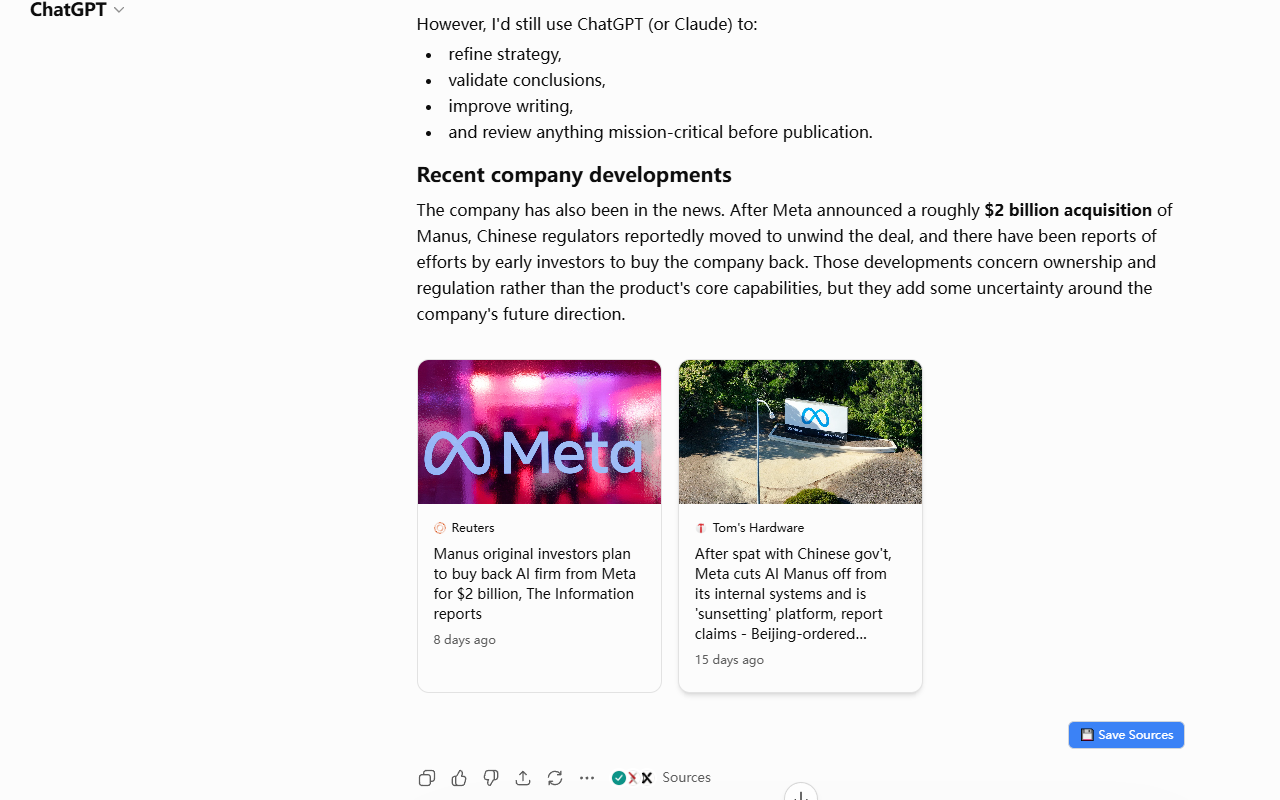
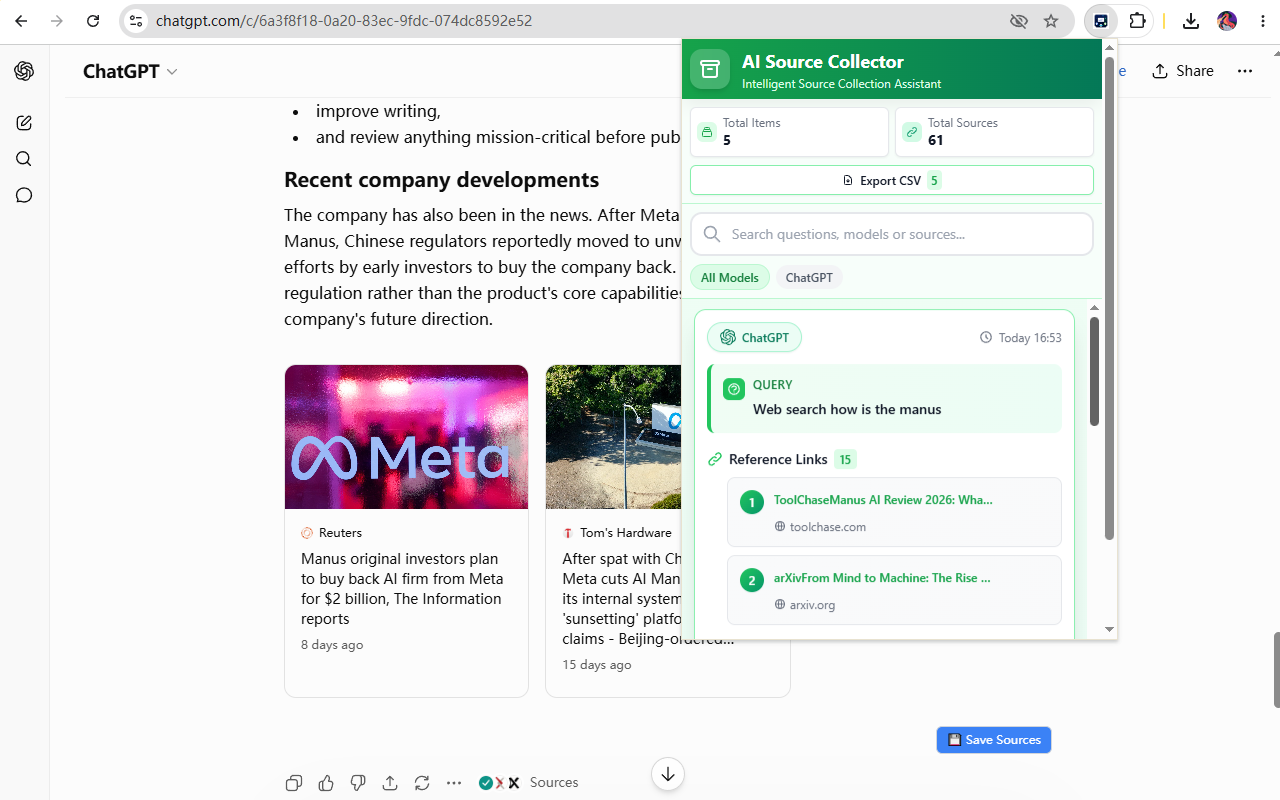
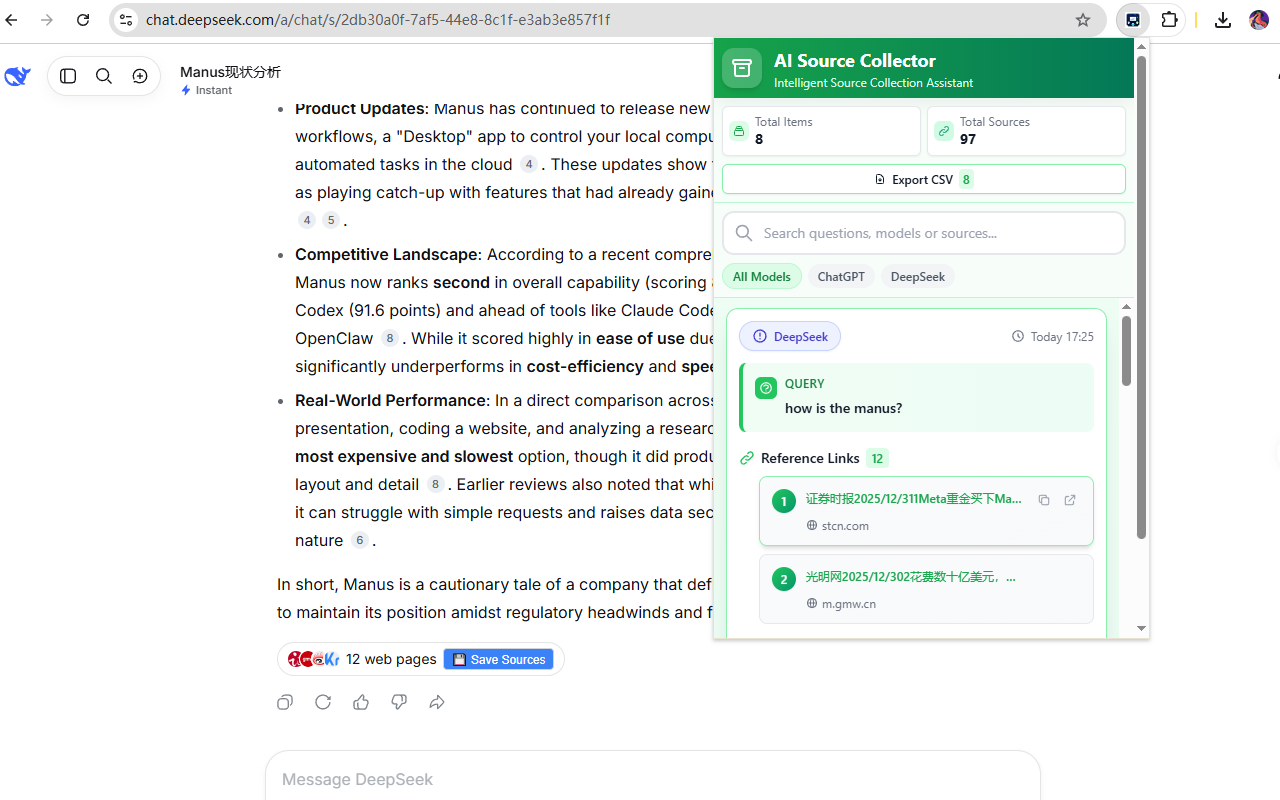
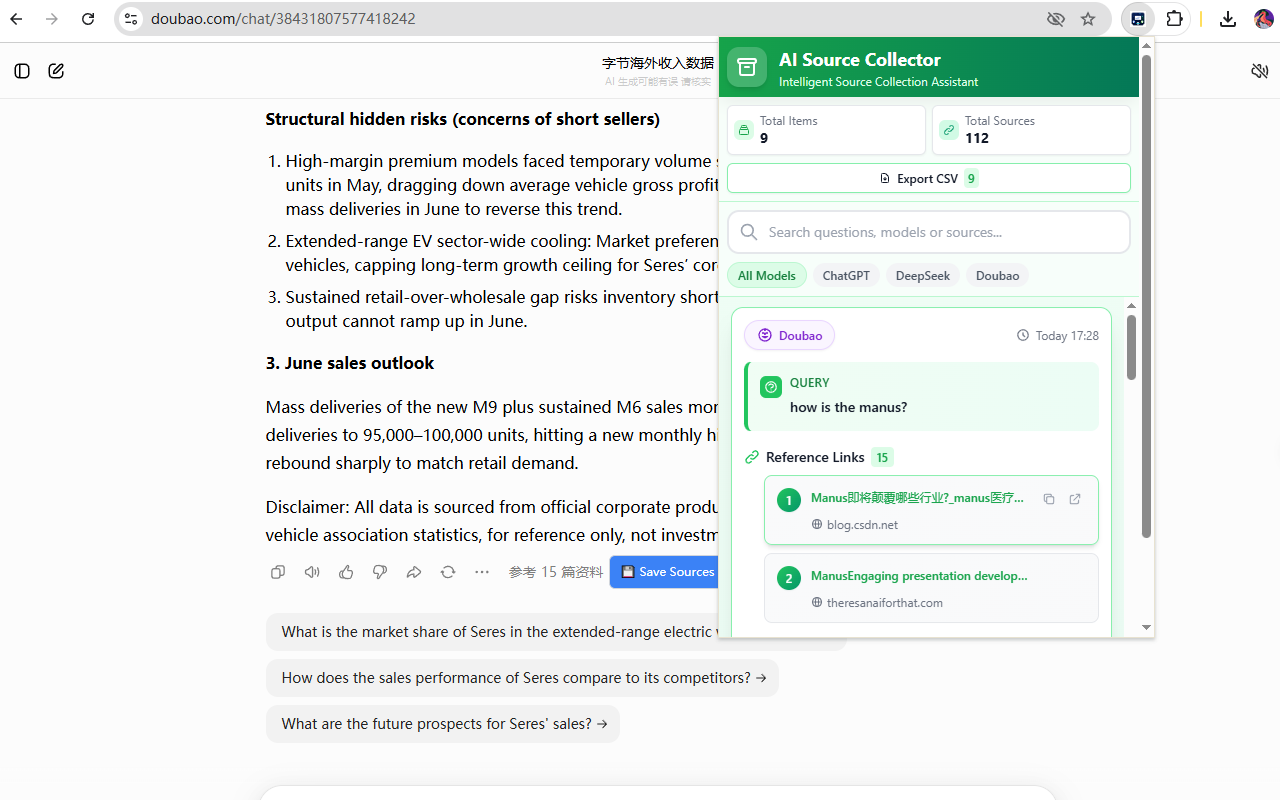
Test flow
Install the extension in Chrome.
Open a supported AI assistant website listed in the extension permissions.
Ask a question that produces cited sources or web results.
Use the extension's save button or source capture flow.
Open the extension popup or history page and verify the saved source record.
Expected behavior
Saved data remains in local Chrome storage.
The extension allows users to review, delete, and export saved source history.
No separate GenScaleFy account is required for the first release.
Demo video
Demo video: https://www.loom.com/share/5556607068b9483f821bb59c51a7d107.